
Docs > Check-In & Validations
Check-In & Validations
This is the daily loop OOffix is built around: someone marks a task done, a manager confirms it. No status meeting needed.
Why a daily check-in
A task marked Done doesn't disappear immediately: it moves to Declared, and sits in its office's Check-In tab until a manager approves or sends it back. That short pause is what replaces a daily status meeting: the manager reviews what came in, once, instead of asking around.
An office's Check-In tab
Open from within an office. A manager sees every task waiting for approval there, under "Waiting for your approval", each with the comment the assignee left (if any) and two actions:
- Approve: the task moves to Validated. Final.
- Send back: the task moves to Needs rework. The assignee sees it again and can resume it.
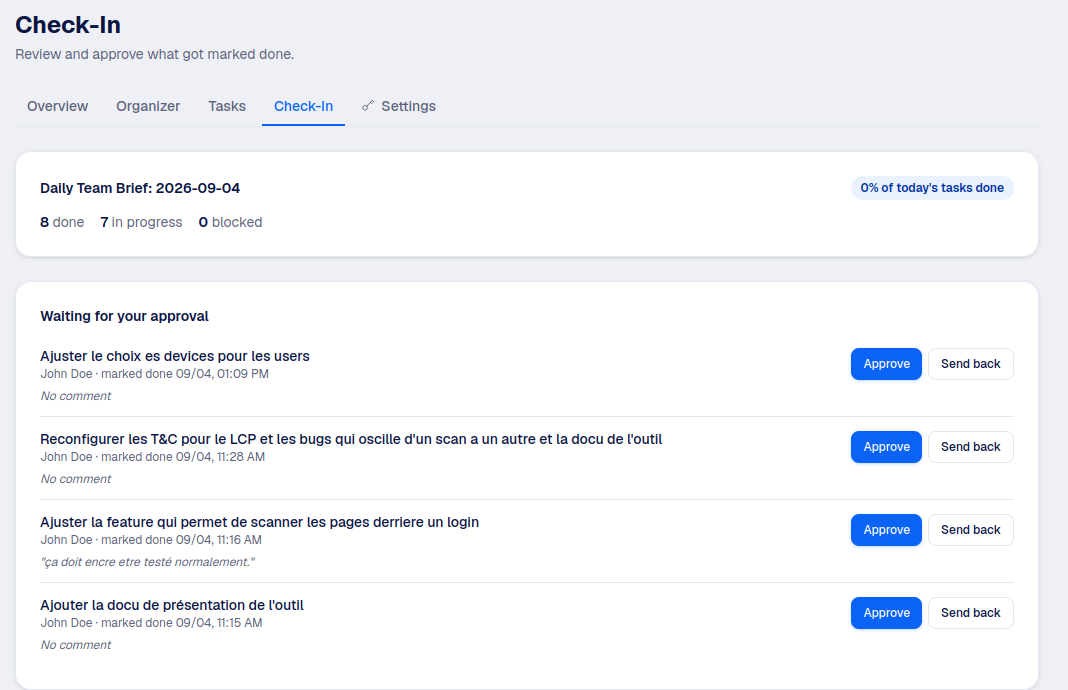
Approved tasks stay visible below, in a collapsible history you can filter by date, so nothing feels like it vanishes once it's validated.
Good to know
A Collaborator without manager rights in that office sees this tab as read-only: how today's work is going, without the approval actions.
The Validations page
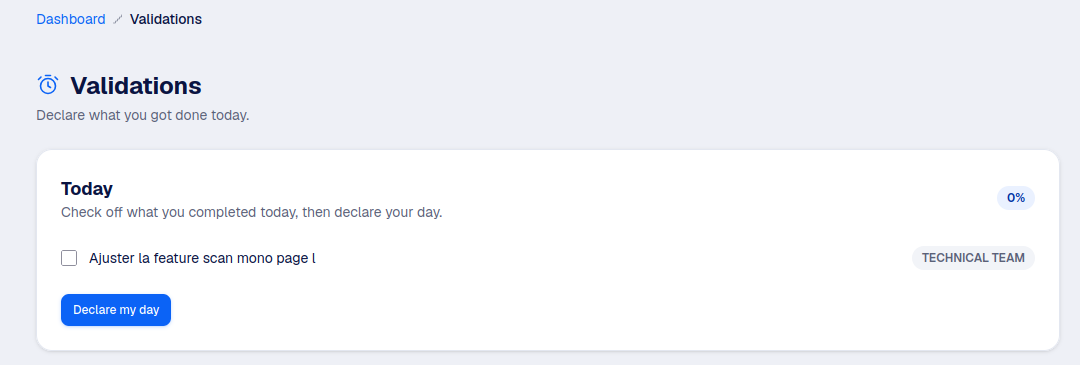
Reachable from the sidebar for anyone, this page gives a wider view across every office you're involved in:
- Your day: a personal checklist of today's tasks, to declare what you got done.
- Your teams' Check-In: a shortcut into each office you manage, straight to its Check-In tab.
- Team validations today: a read-only feed of who validated what, across every office you belong to (every office, for an Authority).

Reminders
Each office has its own check-in time and a reminder delay, set in its Settings tab (see Offices). If someone hasn't declared anything by then, OOffix nudges them, and lets their manager know.