
Docs > Calendar
Calendar
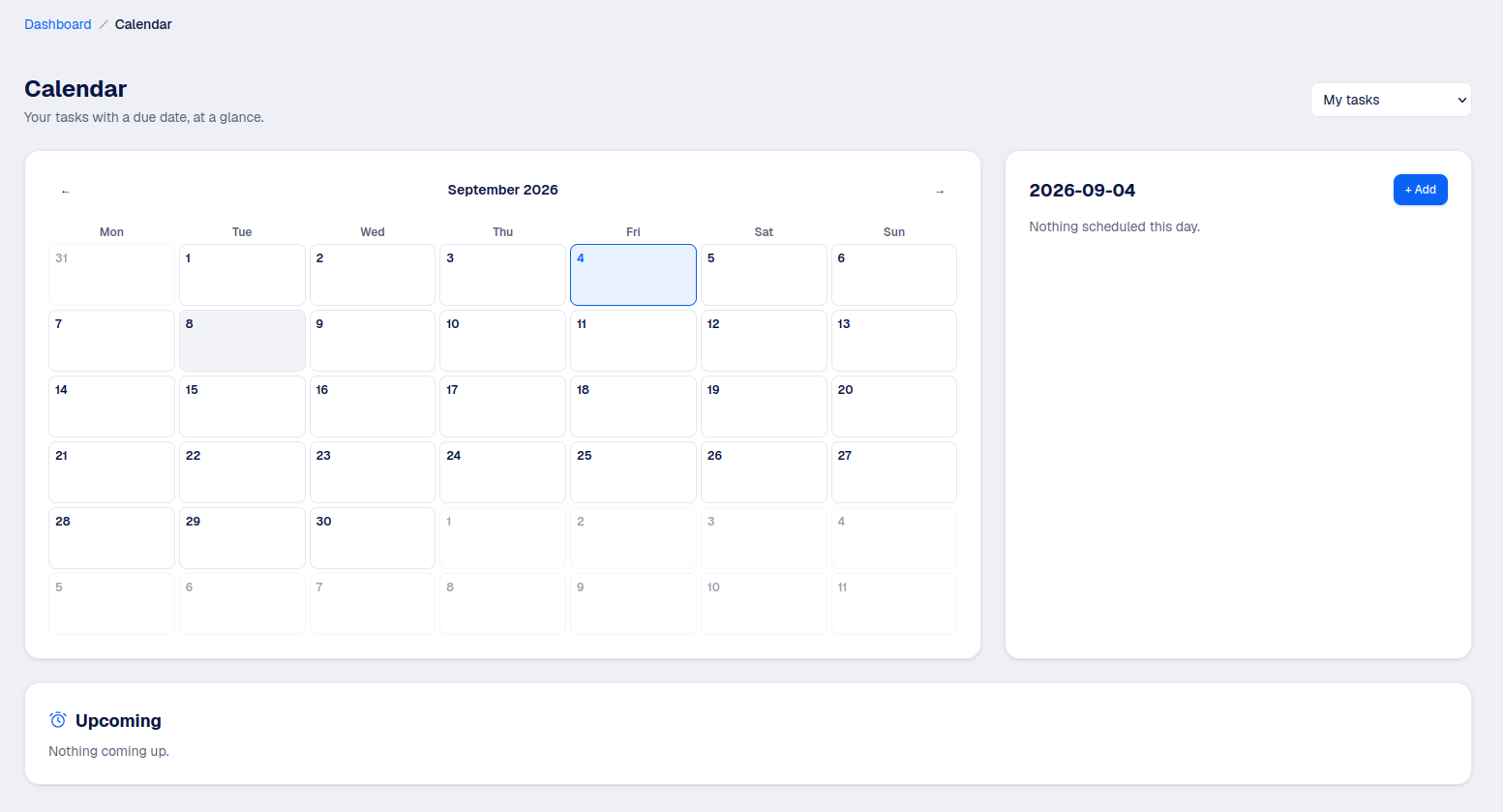
A month view of every task that has a due date, so nothing sneaks up on you at the last minute.
What it shows
Only tasks with a due date appear here: not every task needs one, so this is meant as a deadline view, not a full task list (that's what an office's Tasks tab is for).
My tasks vs the whole organisation
By default you see your own tasks, from every office you belong to plus your personal BrainDumper. An Authority can switch to a view of the whole organisation's deadlines instead, useful for spotting a week where too much is due at once.
Editing from the calendar
Click a task to open it: change its due date, its priority, or delete it, without leaving the calendar.